Experience effortless customer engagement with KuikWit by seamlessly engaging with customers across multiple WhatsApp Business numbers, all on one intuitive platform, featuring seamless WhatsApp business numbers registration and integration, communication efficiency, and optimized functionalities for a top-tier experience.
Introduction
Benefits
How to Connect
Introduction
As technology advances, customers are required to interact with businesses on their terms. Among the various messaging options available worldwide, Phone numbers claims a significant share of users who employ it as an effective way to connect with enterprises. Combining Kuikwit and a Twilio number offers you a seamless customer communication experience that improves support right within the platform's interface for exceptional service delivery.
What You Will Get by Connecting a Twilio Number with KuikWit
Leverage the seamless blend of Facebook and KuikWit to empower your business with unparalleled customer management, all on an intuitive platform designed for ease and excellence

Centralized communication
KuikWit brings all Twilio number conversations into a single centralized platform, allowing teams to manage customer messages with ease. This eliminates the need for multiple tools and ensures organized, consistent, and reliable communication.

Improved Response Times
Handle customer inquiries faster by managing all Twilio messages from one unified dashboard. KuikWit enables efficient agent assignment and streamlined workflows, helping teams respond quickly even during peak message volumes.

Enhanced Customer Experience
Deliver clear and personalized interactions through Twilio-powered messaging. KuikWit supports SMS and MMS conversations across multiple Twilio numbers, enabling businesses to provide timely, contextual, and effective customer support.

Comprehensive Analytics and Reporting
Access detailed analytics for Twilio conversations to better understand customer engagement. KuikWit tracks response times, message volume, and performance trends, helping teams refine support strategies and improve overall service quality.

01
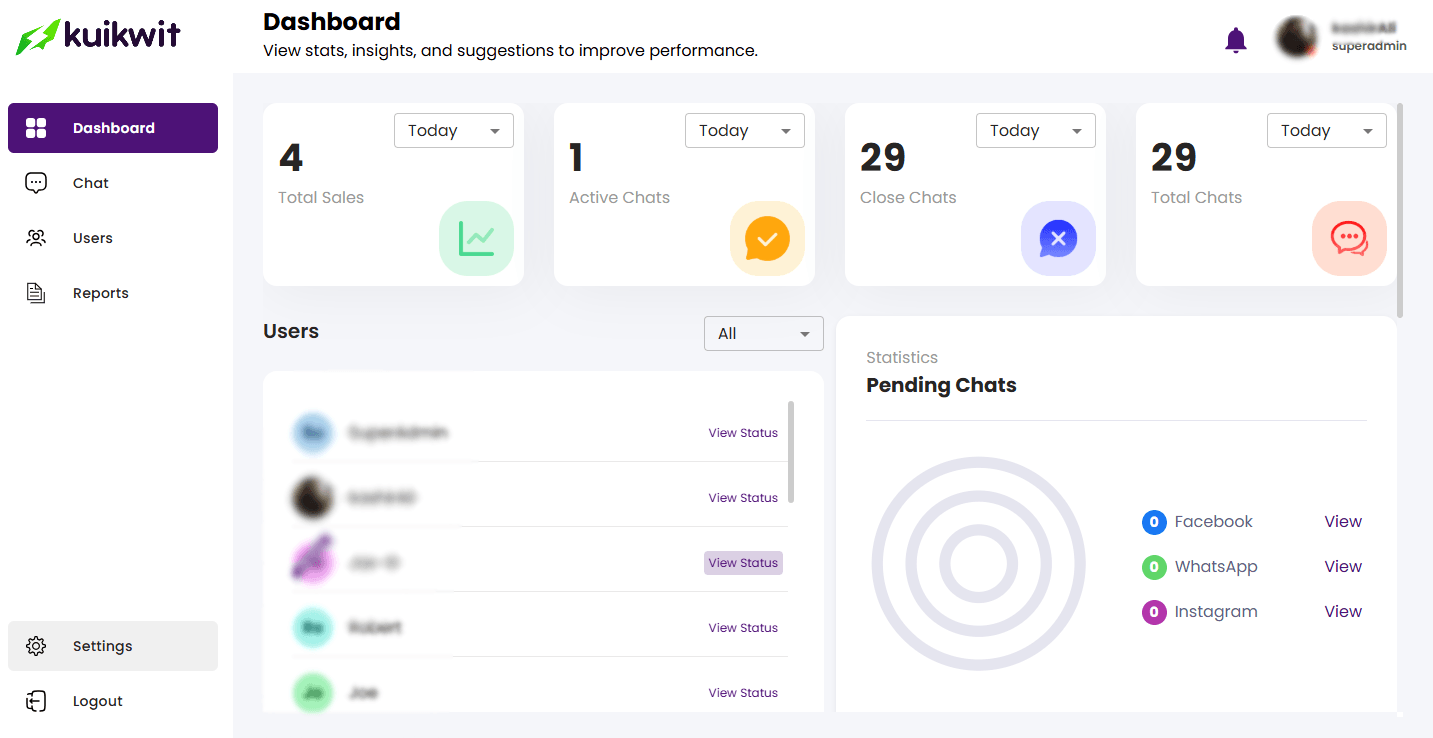
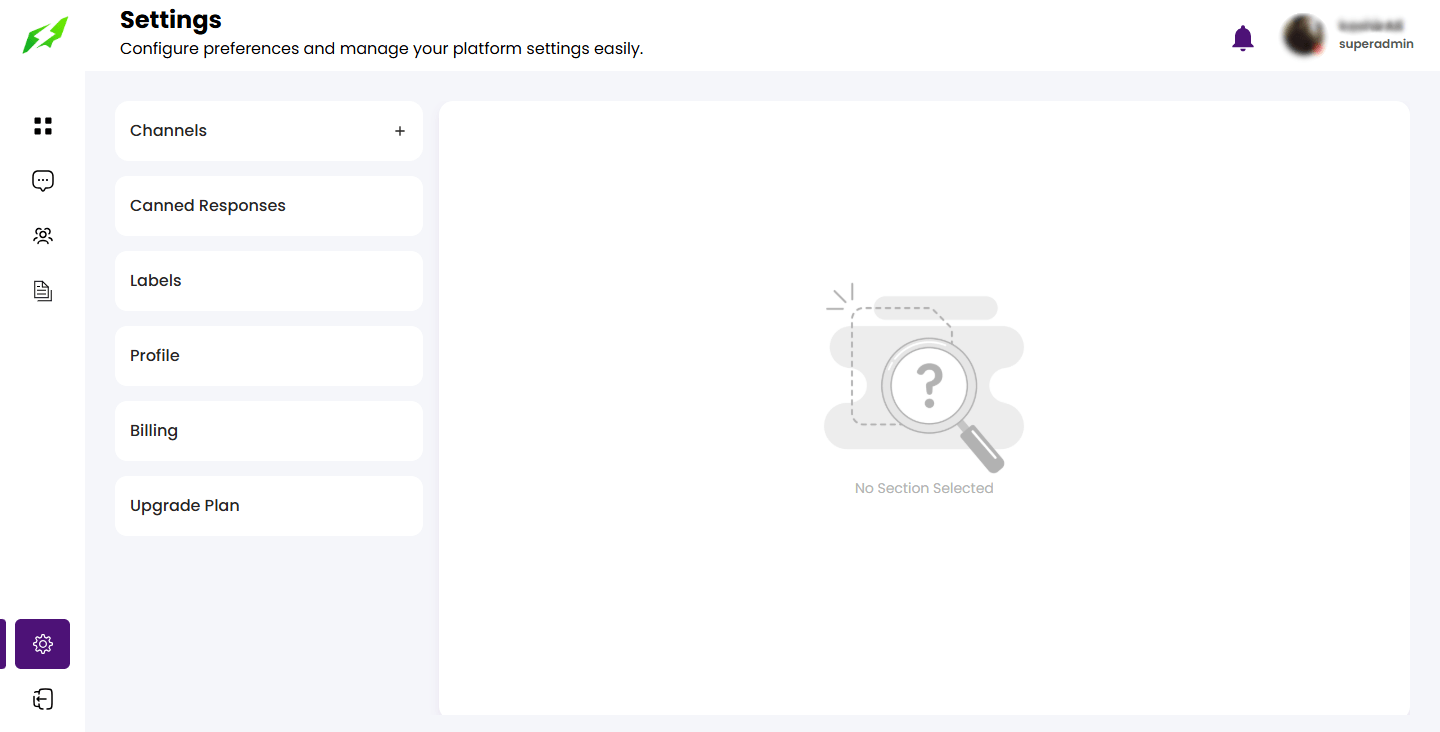
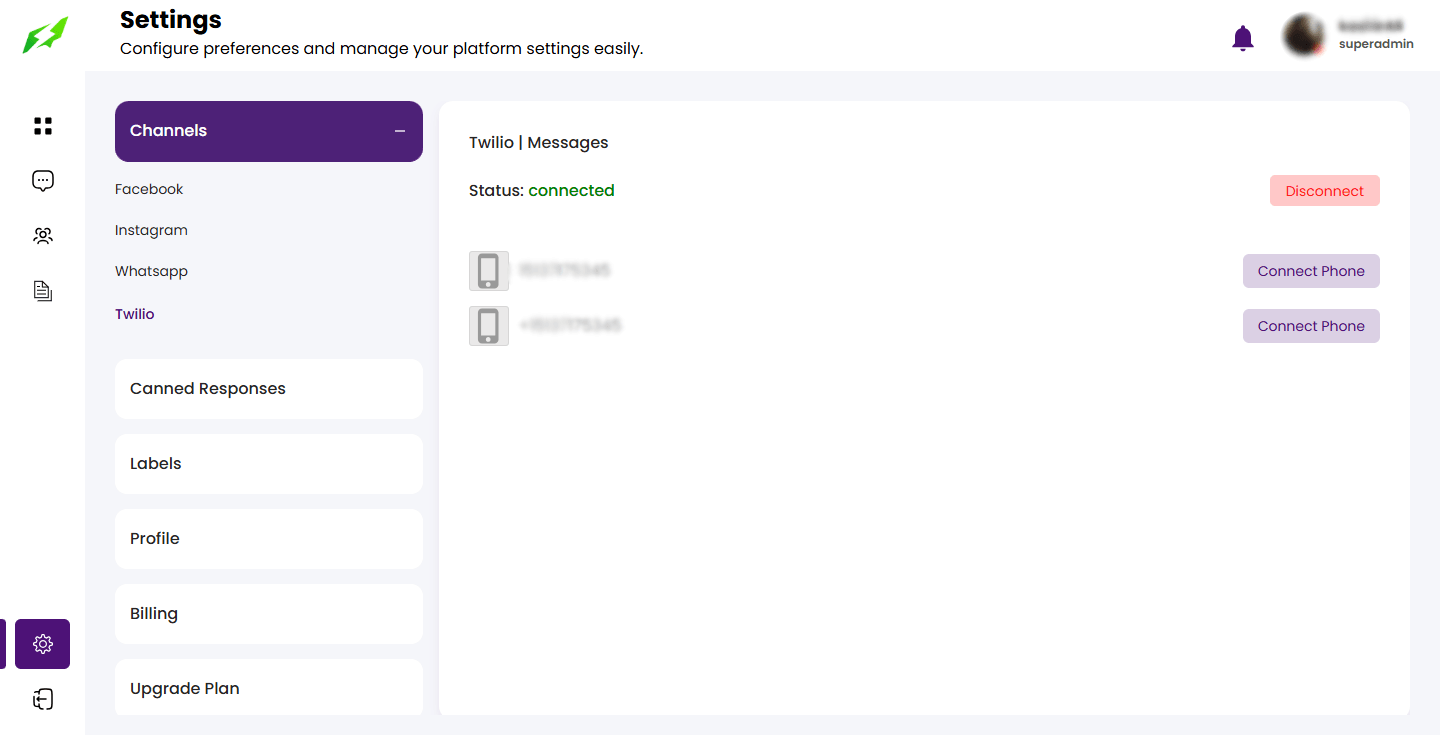
Navigate to the Settings page, which appears on the left panel.

02
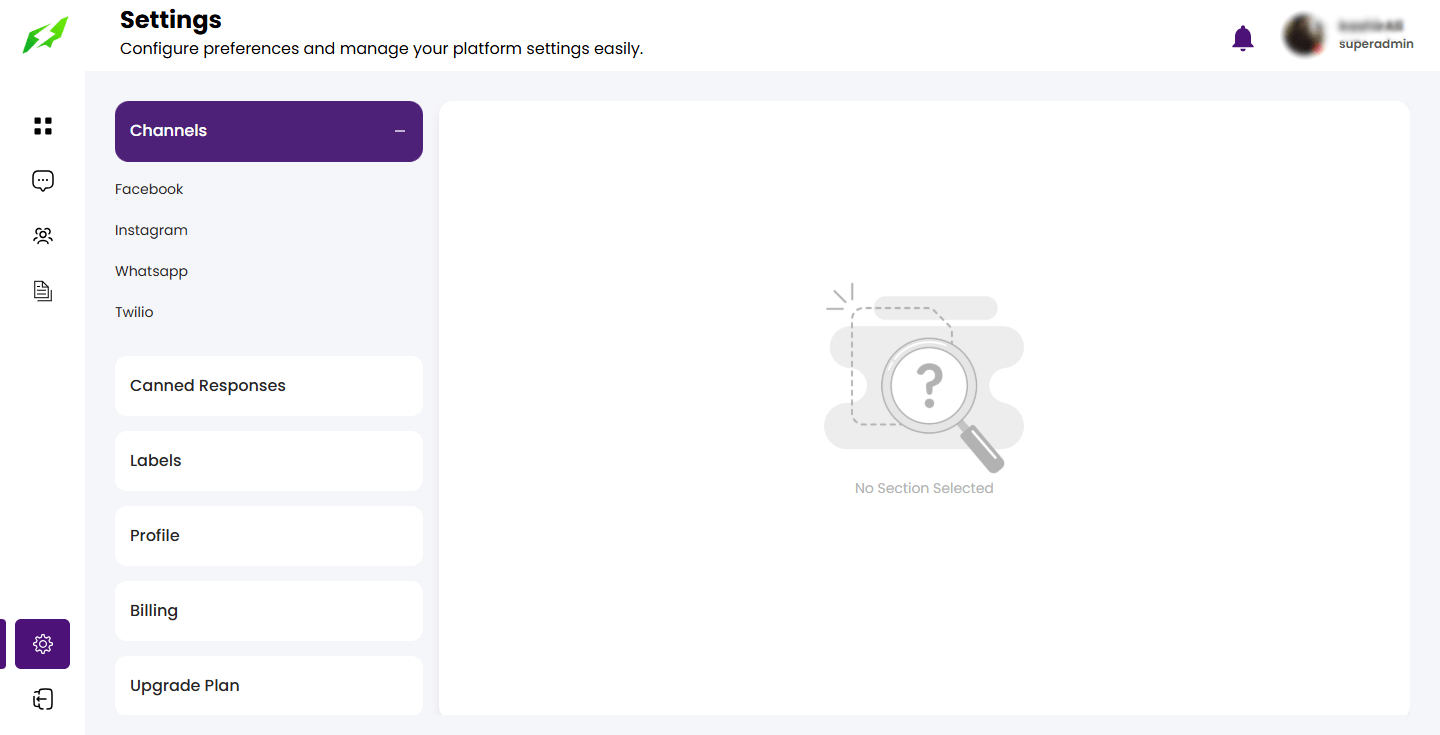
In the left panel, choose the Channels option. This will display additional choices such as Facebook, WhatsApp, Instagram, and Twilio.

03
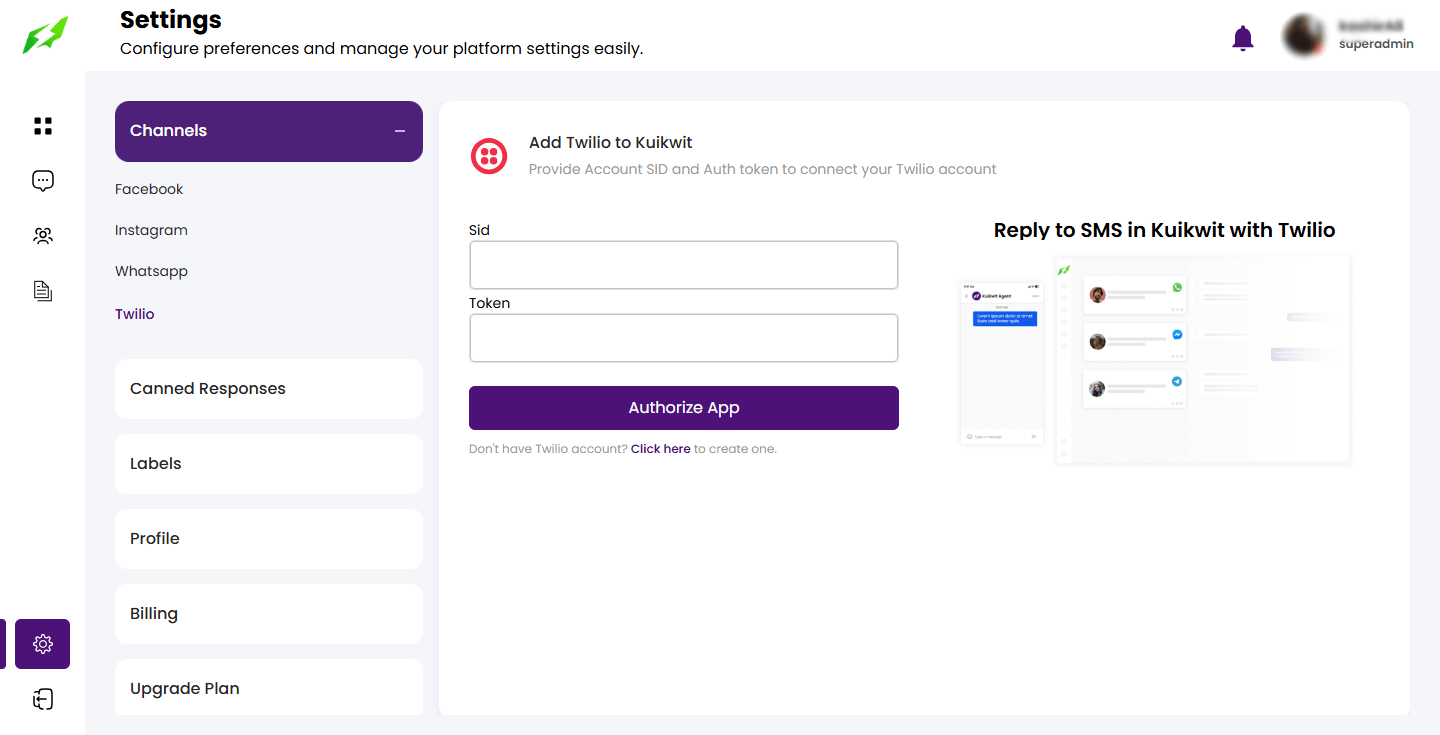
Click on the Twilio option, that prompts the user to enter credentials

04
Enter the Twilio credentials for instance: SSID and auth token assigned to the user via the Twilio account. and click on the Authorize App to proceed.

05
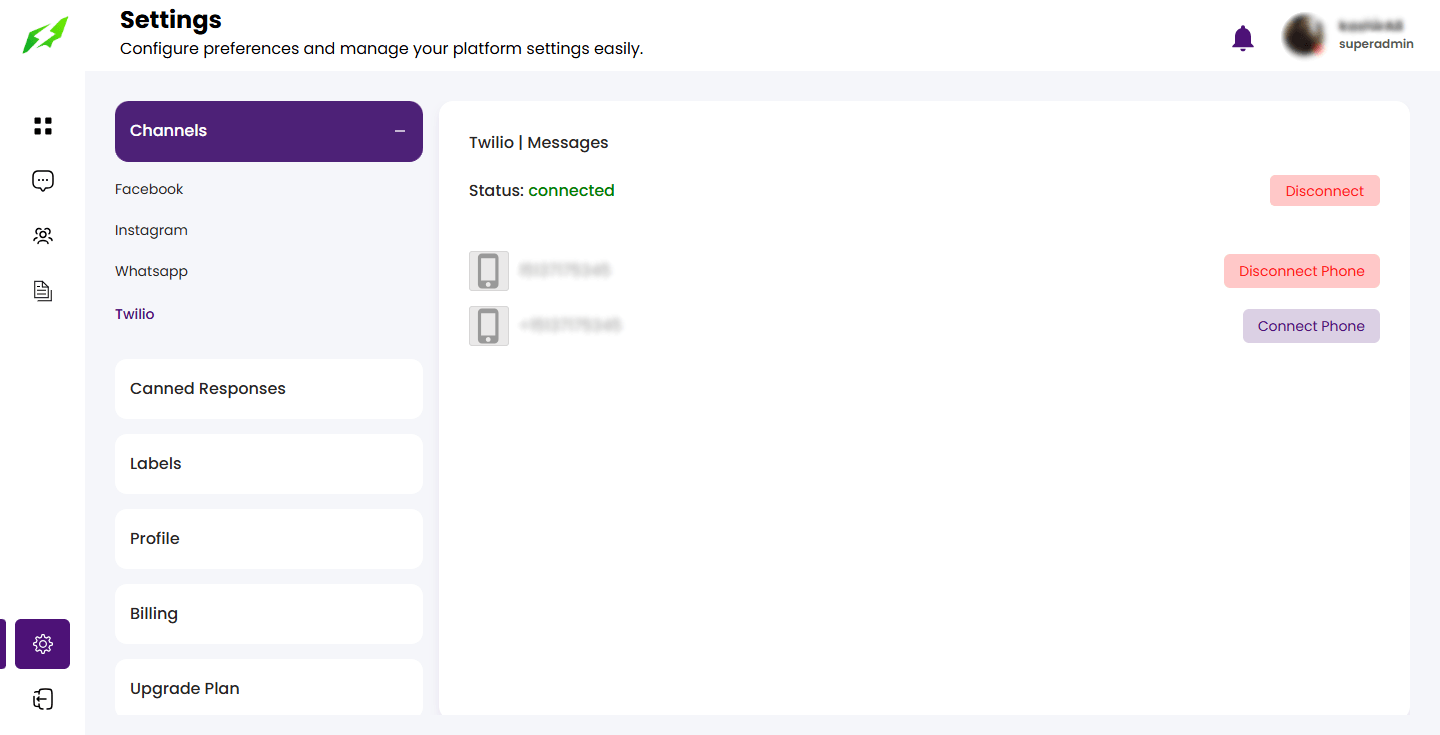
Connect the twilio phone number to be used for conversation

06
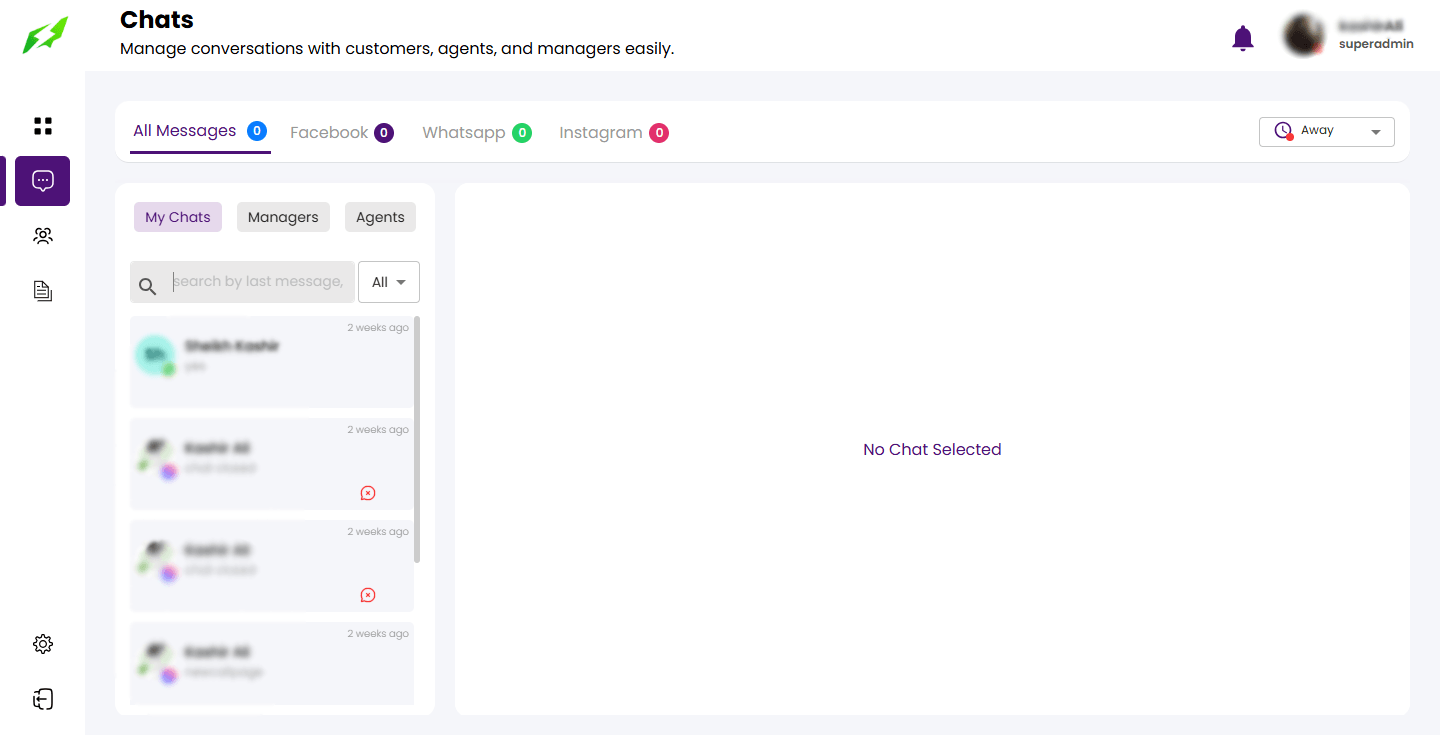
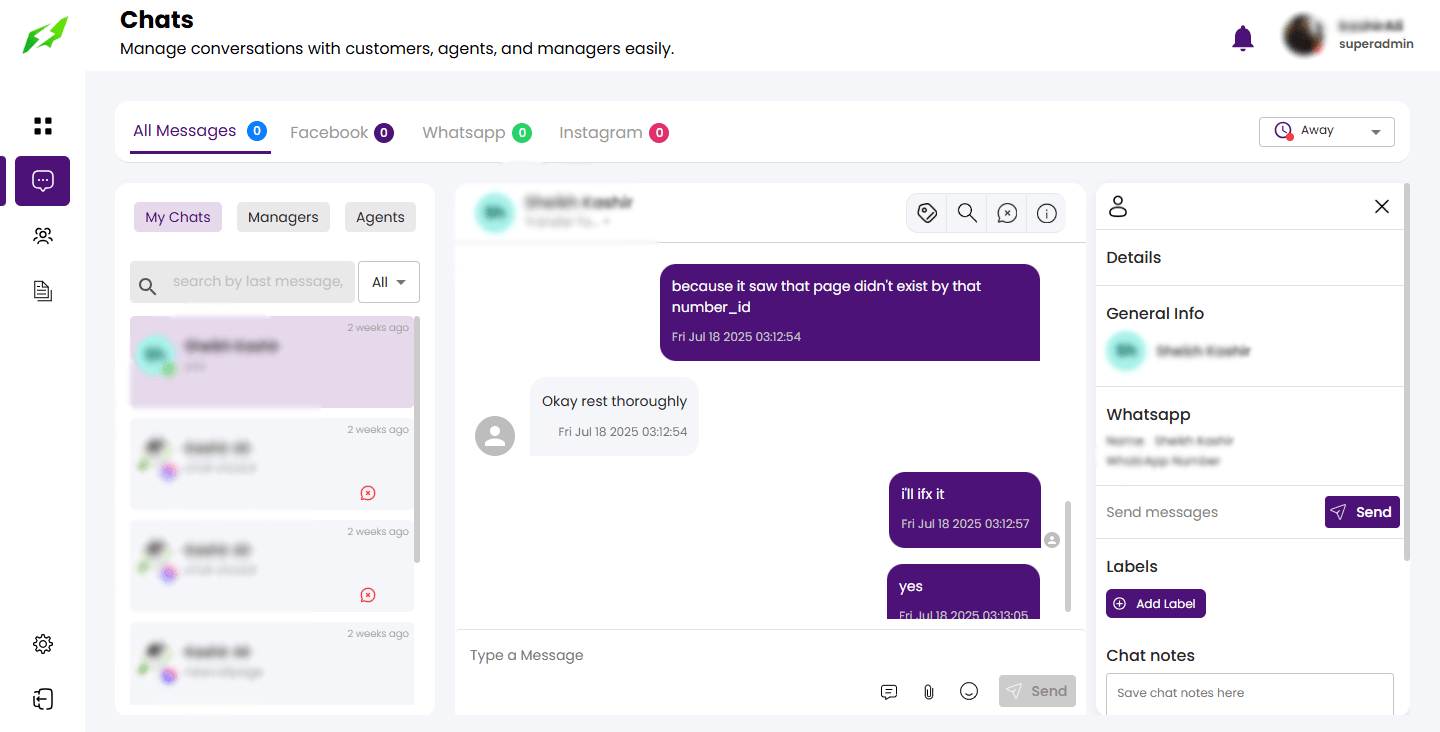
Proceed to the chat screen to commence the conversation.

07
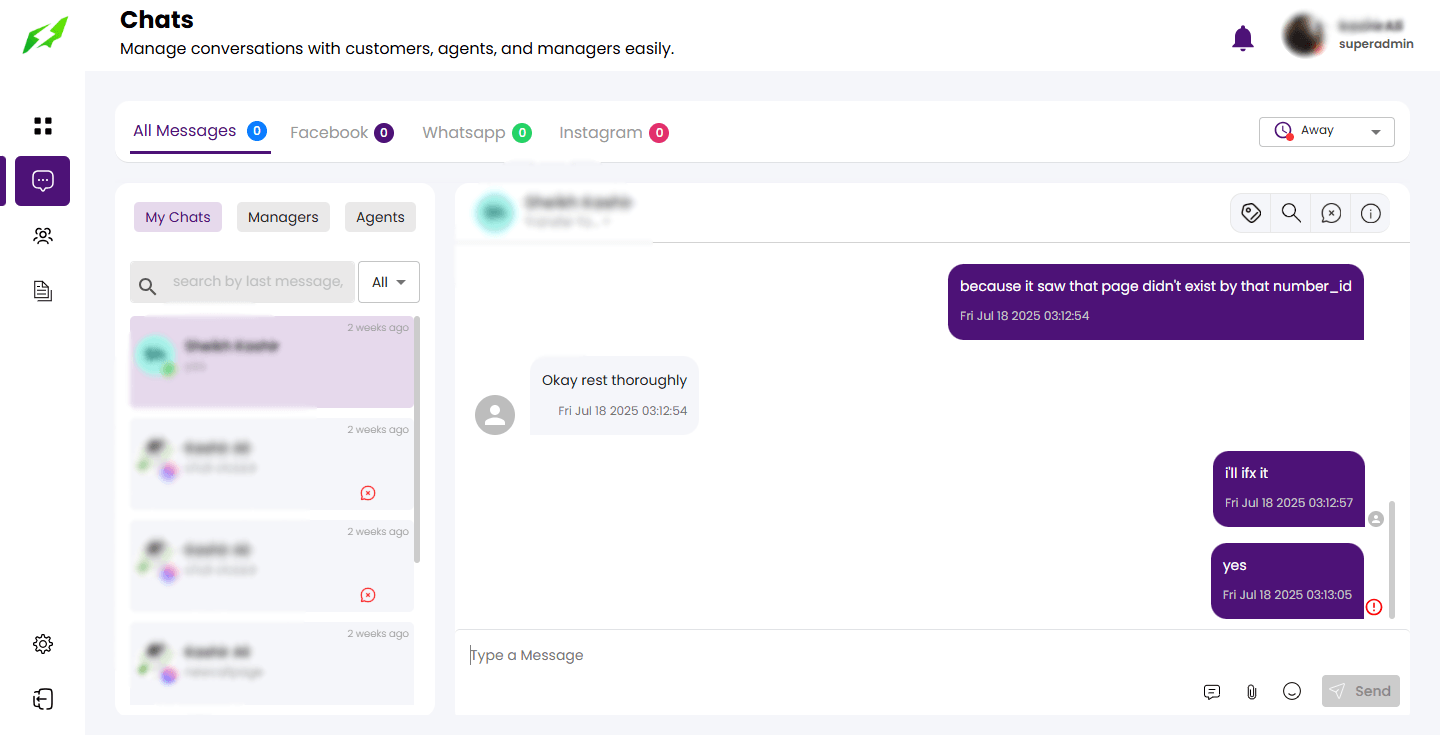
Click on the particular customer chat, to strike chatting.

08
Click on the View detail button to view the detail panel of the chat

09
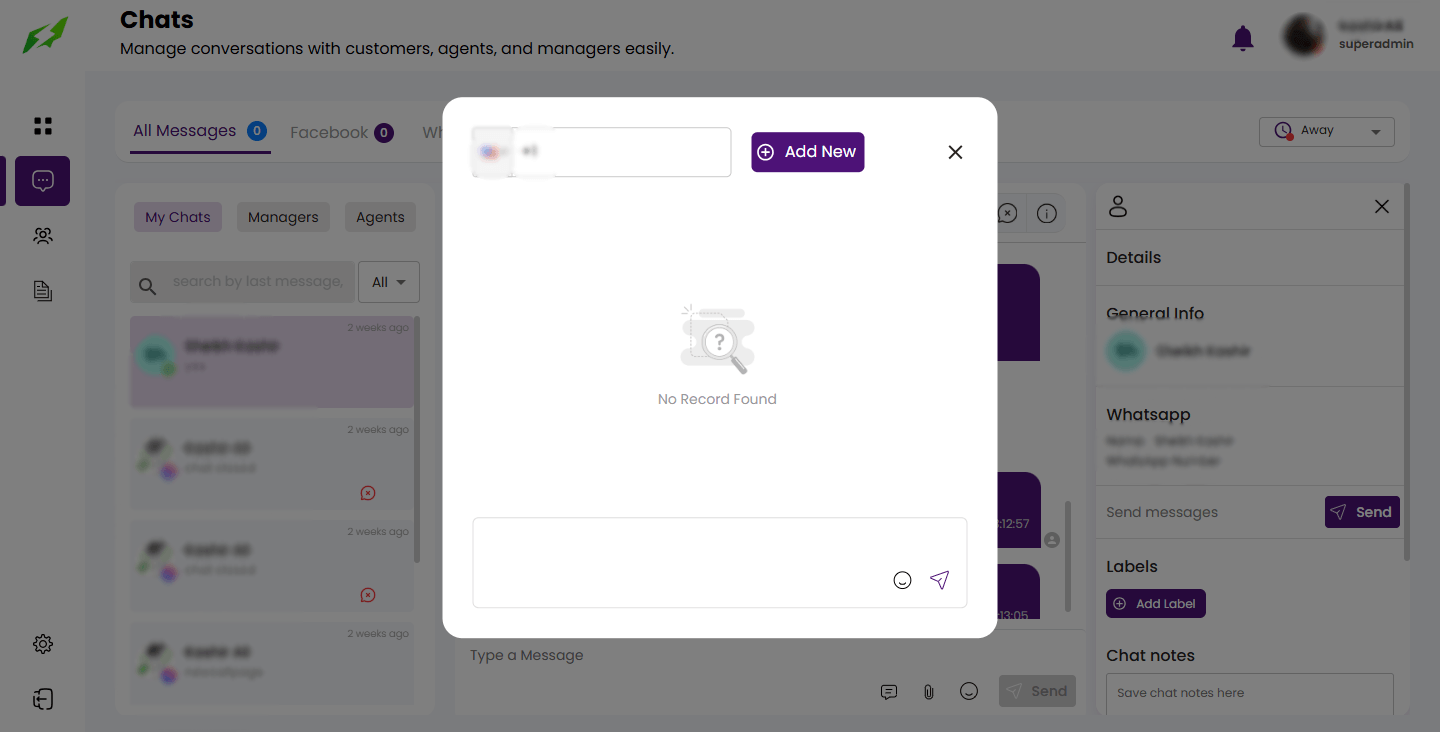
Click on the SEND button to prompt the user to the dialog

10
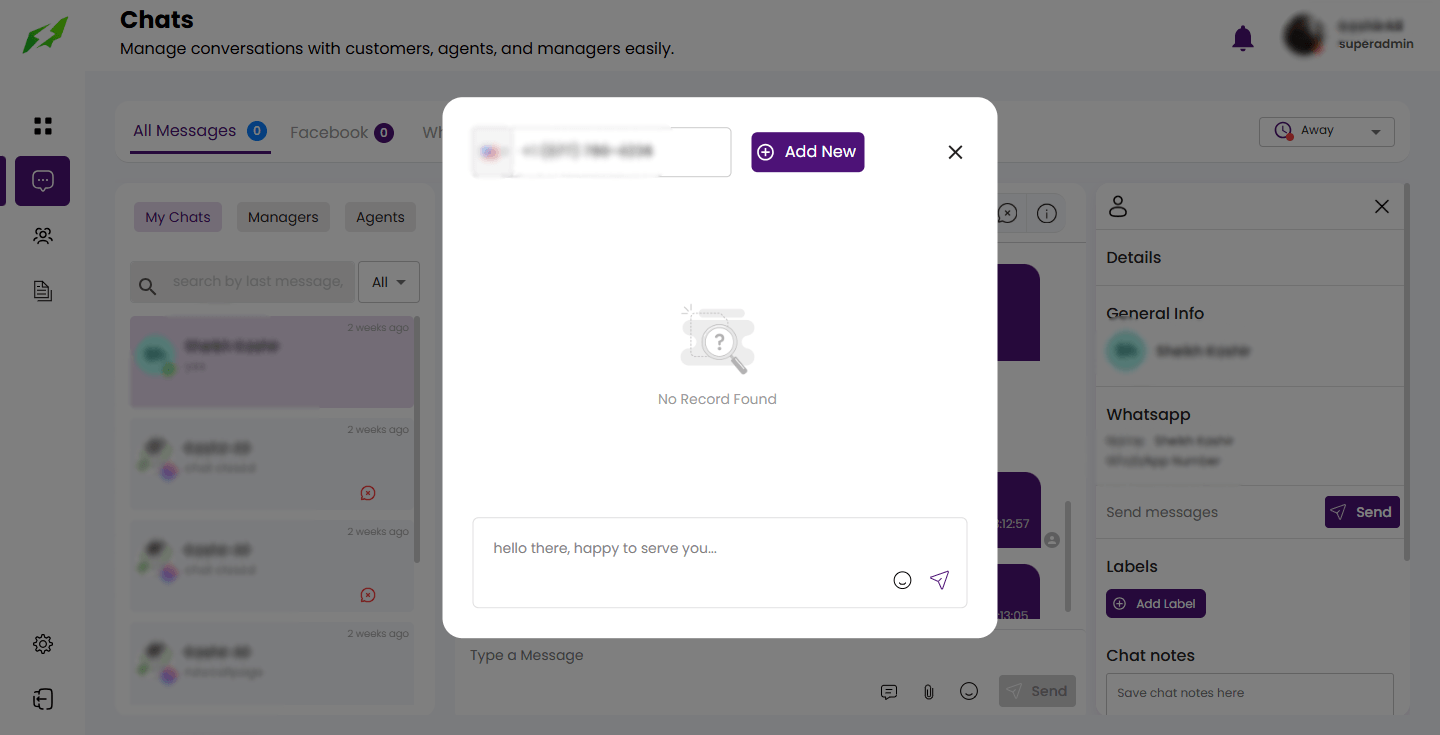
Enter the customer number.

11
And send and receive the messages.


And that’s it!
You can now send and receive messages from your fans right in the Kuikwit application, keeping your communication channels in one place.